
Last weekend, people used Owner to buy more than 350,000 meals from thousands of local restaurants across the US and Canada.
For years, all payment processing at Owner ran on Stripe Standard Connect: every restaurant had its own Stripe account. This was an urgent problem for our restaurant customers because it's hard enough to fulfill all those food orders without having to deal with two companies to get paid. Our customers would see emails from Stripe that they didn't know what to do with. Some felt understandably frustrated because they called us for payments support, but then had to contact Stripe. We wanted payments to feel like part of Owner.
In late 2025 we started moving to a new Stripe Custom Connect contract, with updated rates. This would allow us to both simplify the experience and pass savings to our customers.
When we first talked to Stripe about the migration, they told us implementations typically take 6 to 9 months, and many platforms take 12 or more. We had our first restaurant live on “Owner Payments” (our branding for the new experience) in about 12 weeks. About seven weeks after that, every eligible new restaurant was onboarding to it.
Thanks to coding agents, I, as one engineer, could make changes much more quickly across a huge codebase even though I hadn’t built every part of it. AI also made it easier to run end-to-end tests more quickly than we could have ever done before.
Even with AI, it wasn’t all smooth sailing. Our first call moving an existing customer over to the new platform was a bit of a faceplant.
Getting new restaurants live went cleanly. Moving existing restaurants off Stripe Standard was far more hands-on. We leveraged a private Stripe API to read sensitive business information from each restaurant’s existing Stripe account and prefill it into a new connected account, and front end, back end, and operations all had to line up.
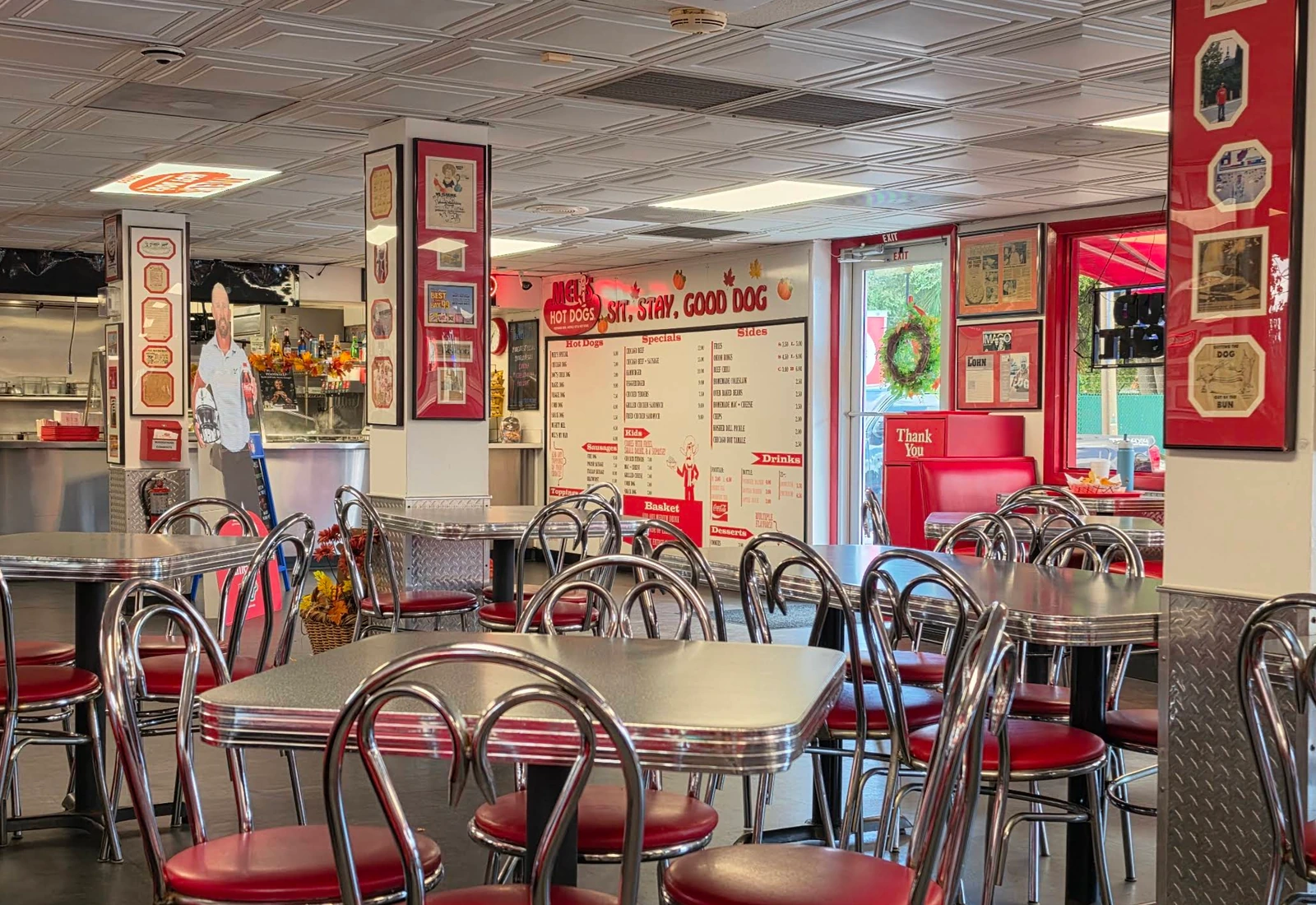
In May 2026, the team and I met Pam, the owner of Mel’s Hot Dogs in Tampa. Mel’s was a 53-year-old institution and our first existing customer to switch. I was excited, but nervous. Her business depended on the sales that came through Owner. I had run the flow over and over in our staging and test environments, and I knew my code worked. I also knew, from handling billions of queries at Bing and Google, that the best-written code still depends on other systems and processes that change constantly.
The walk-through failed. She couldn’t see the very first button we needed her to click. Another team had changed how we handled permissions, and her account didn’t have the one we expected. While fixing that, we also found a parameter that had gone missing from the onboarding request. Catching exactly this kind of gap was why we’d scheduled a live walk-through, but in the moment, I still felt mortified.
She was understanding. Five days later we met again, and everything worked. Mel’s has been processing payments happily ever since, and more than 1,200 restaurants have migrated from Standard to Custom, alongside thousands of new ones that launched with Custom. We’ve processed more than $100 million in card payments on our new platform in its first 7 months.
Here are the field notes I wish someone had given us when we started.
1 - The full inventory of changes
The migration started out simply enough: find every place in which our code called Stripe and give it a new set of API keys and account IDs. It veered into the weeds once we saw how many places that was and the complexity of our new configuration. Our code talks to Stripe for SaaS billing, online and in-store payments, refunds, gift cards, and more, across Owner’s own dashboards and apps and the ordering apps and websites we run for our restaurants’ guests. Every one of those paths had to handle two Stripe platform accounts, two sets of clients.
Even with support from Stripe’s solutions engineers, many questions only came up once we started building. Here’s what we learned:
| Responsibility | Before: Stripe Standard | After: Owner Payments |
|---|---|---|
| Onboarding and account access | Stripe’s onboarding, including upsells, with a separate Stripe login | Streamlined onboarding inside Owner, without upsells or a Stripe login |
| Verification follow-up | Stripe requested missing information from restaurants, and Owner played man-in-the-middle with Stripe support | We collect the information, track outstanding requirements, reach out to customers directly, and manage risk in-house |
| Notices and deadlines | Stripe emailed restaurants directly, leaving us out of the loop and without control over the communication | We send notices, track deadlines, and follow up through our ops teams, who have deep context on our customers |
| Account management | Restaurants used Stripe’s dashboard and were often confused about managing two logins and two systems | We provide account-management tools inside Owner, with full control over our customers’ experience |
| Tax documents | Restaurants retrieved them from Stripe directly | We are responsible for making them available |
| Card processing fees | Restaurants paid Stripe directly | Restaurants pay us, and we pay Stripe from our platform balance |
| Negative balances and payment losses | Stripe carried the risk, and Stripe controlled the purse strings | We take responsibility, and can make decisions using everything we know about each restaurant |
| Payment flow | Charges on the restaurant’s connected account | Still on the restaurant’s connected account |
The main reason we took this responsibility over from Stripe was that it was better for our customers. It gave us the flexibility and control to simplify their experience. Before Owner Payments, every restaurant owner on our platform had to deal with two companies to get paid:
- They would get a website and online ordering platform through Owner, but still needed a separate Stripe login and 2FA.
- They had to re-enter the same business and bank details for every location.
- Emails from Stripe were a constant source of confusion over expectations and responsibilities.
- We had to send them to Stripe support instead of helping them directly, which frustrated everyone.
Owner would also get better transaction rates, allowing us to offer more competitive pricing to our customers.
To get there, we needed a bunch of new systems that weren’t instantly obvious. Here are the main ones:
- A system for acting on Stripe’s verification requirements. We needed to tell the restaurant what information was missing and ensure they supplied it. We first coordinated the follow-up by hand with our risk and support teams, then automated it with a new email notification system.
- Separate Stripe clients for the two platforms. Stripe Standard and Owner Payments had to run side by side during migration. Across web, mobile, and point of sale, we had to choose the right Stripe credentials for each account. This wasn’t just a change to onboarding.
- Additional identity checks for account management. Without a separate Stripe login, we still needed an authentication step to verify who was accessing payment-account details. We implemented step-up auth where appropriate and hardened our systems to match the risk associated with these critical flows.
- Prefilling the new account from information we already had for migrating customers. We built a way to carry business and bank details into the new account. That also meant controlling access to sensitive information and keeping it out of logs.
- Processes for managing payment risk. We now carry the loss if a restaurant’s account goes negative and the money can’t be recovered. We had to decide when to pause payouts, how to follow up on unpaid balances, and who can approve writing off a loss.
Taking on those responsibilities left us with choices about the integration: how to configure the connected accounts, and how much of our existing payment flow we could keep.
2 - What “custom” really means: the decisions we had to make
For us, “custom” came down to how we configured the connected account’s controller properties. We turned off the Stripe dashboard. We pay Stripe’s processing fees and cover payment losses. We also collect the information Stripe needs to verify each restaurant.
controller: {
  stripe_dashboard: { type: 'none' },
  fees: { payer: 'application' },
  losses: { payments: 'application' },
  requirement_collection: 'application',
}That looks like four decisions, but it’s really one. Once the platform collects verification requirements itself, Stripe requires the other three settings. Stripe doesn’t even label these accounts “custom” anymore: the API reports their type as “none”, because the controller properties now describe the behavior.
The bigger decision was how the money would move. We wanted each restaurant’s payments to stay on its own connected account, and we could do that with the direct-charge flow we already had. For each order, we created the PaymentIntent on the restaurant’s connected account using the Stripe-Account header and collected our fee through application_fee_amount. Proceeds settled to that account’s balance and paid out on its schedule. Setting controller.losses.payments to application made us responsible for unrecovered negative balances without routing the charge through our platform account, so we could reuse the same payment flows across web, mobile, and point of sale.
The alternative was separate charges and transfers: create the charge on our platform account, then transfer funds to the restaurant’s connected account. That would let us split a payment among several accounts or delay a transfer, but we’d also have to manage every transfer, and every reversal when a payment was refunded.
Keeping direct charges had its own costs. A guest’s saved card is stored on our platform account, so before charging it at a restaurant, we clone the payment method to that restaurant’s connected account. Refunds take two requests: we refund the charge on the connected account, then refund our application fee.
We also had to keep each payment tied to the account that originally processed it. When an existing customer switched to Owner Payments, we created a new connected account and preserved its earlier payments in the old one. If the restaurant refunded an order from before the switch, the refund had to go to the account that took the original payment. We tested that exact sequence: create a charge, switch the location’s active account, then refund the charge and assert that the refund uses the original account.
Account creation created another problem. We created the connected account at Stripe, then saved it in our database. Stripe could succeed while our database write timed out, and a retry could then create a second account for the same location. We added a check for an existing account and a lock scoped to the location and platform to prevent competing creation attempts. If we couldn’t save the account, we tried to delete it at Stripe. That cleanup could fail too, and Standard accounts can’t be deleted at all, so we added monitoring to surface any account we couldn’t reconcile.
We could test the account-routing rules in code. We also needed to use the system the way a restaurant would.
3 - Testing and shipping responsibly
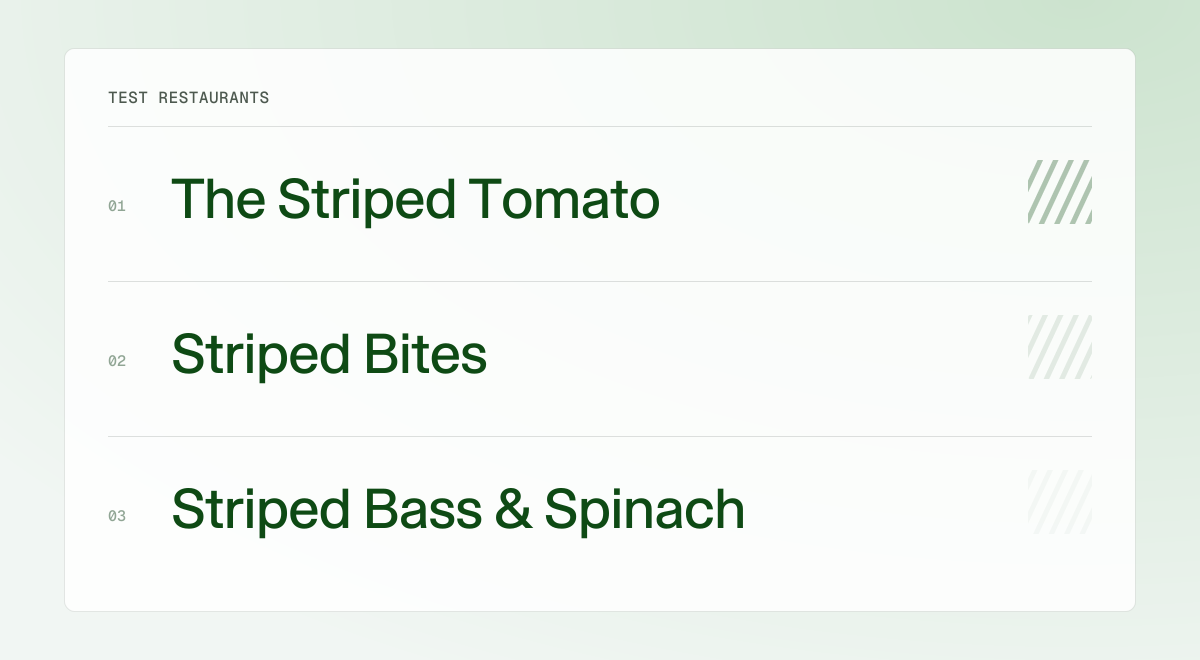
We set up fake restaurants: The Striped Tomato, Striped Bites, and Striped Bass & Spinach. Our test environments could create a connected account on either Stripe platform for a location, so we could test each part of the payment flow ourselves. We also ran payments with real cards through one of our fake restaurants in production.
Moving from Stripe Test Mode to sandboxes took more work than we expected. Both let us simulate payments without moving real money, but sandboxes isolate settings from production, while Test Mode shares some settings with it. We needed new account IDs and separate API keys, and we had to configure the sandbox settings and keep them in sync with production. The application code was only part of what we needed to test.
We leaned heavily on scaffolding, especially feature flags, and we built kill switches for individual changes. We used them during the build:
- Balance tracking. A release of our new balance-tracking code produced errors in production. We turned it off while we investigated.
- Stripe Link. Link is Stripe’s accelerated checkout for saved payment details. We wanted it off before rolling out a new checkout component so we could assess each change’s effect on conversion separately. We tried disabling Link through Stripe’s dashboard, but it still appeared in checkout. We added a kill switch in our checkout code and used it to disable Link in production the same day.
Before the first customer, we had monitors for account creation, account routing, and webhook errors. We started with a production pilot capped at five restaurants. Then we opened Owner Payments to 25% of eligible new brands, raised it to 50% a week later, and reached 100% four days after that: 11 days in all. Eligibility was controlled separately from the rollout percentage, so we could widen the rollout without changing who qualified.
4 - Moving payments support in-house
With Owner Payments, we now need to support customers when they have payments questions. Restaurants now have one company, one login, and nobody else to call, so questions that used to go to Stripe support come to us. We planned for that with a dedicated payments support queue and phone option, and a payments support specialist on the team. When a restaurant hits a verification hold or a paused payout, the people who answer already know that restaurant and can actually fix it.
To wrap up: we couldn’t map out every responsibility before we started. The path revealed itself as we walked. Keeping our existing charge flow gave us less to rebuild while we worked through the questions, and feature flags let us move fast without betting anyone’s dinner rush on a single change. If I were starting again, I’d want the inventory above, and I’d still expect surprises. The best part is that our customers have a much simpler experience now, and it only gets better from here.
If you’re a payments engineer who wants to help local business owners win, our team is hiring.